Free · open source · runs in your browser
Draw scientific figures in silico.
Pathway diagrams, graphical abstracts, poster panels, workflows and timelines. Open the editor and start drawing: no install, no account, and your figures never leave your computer.
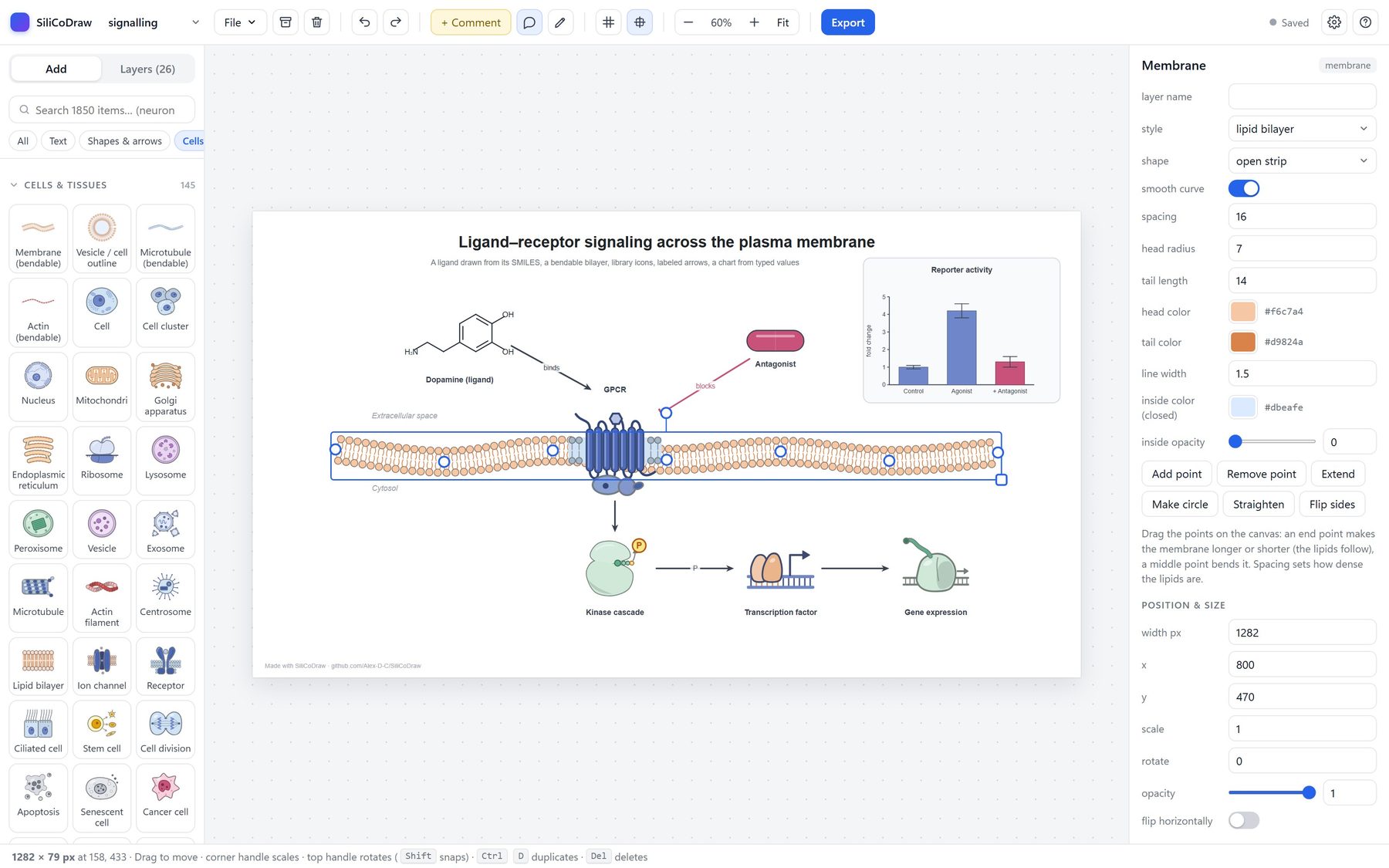
Fig. 2a–h
What you can make
Click any example to open your own editable copy and take it apart.
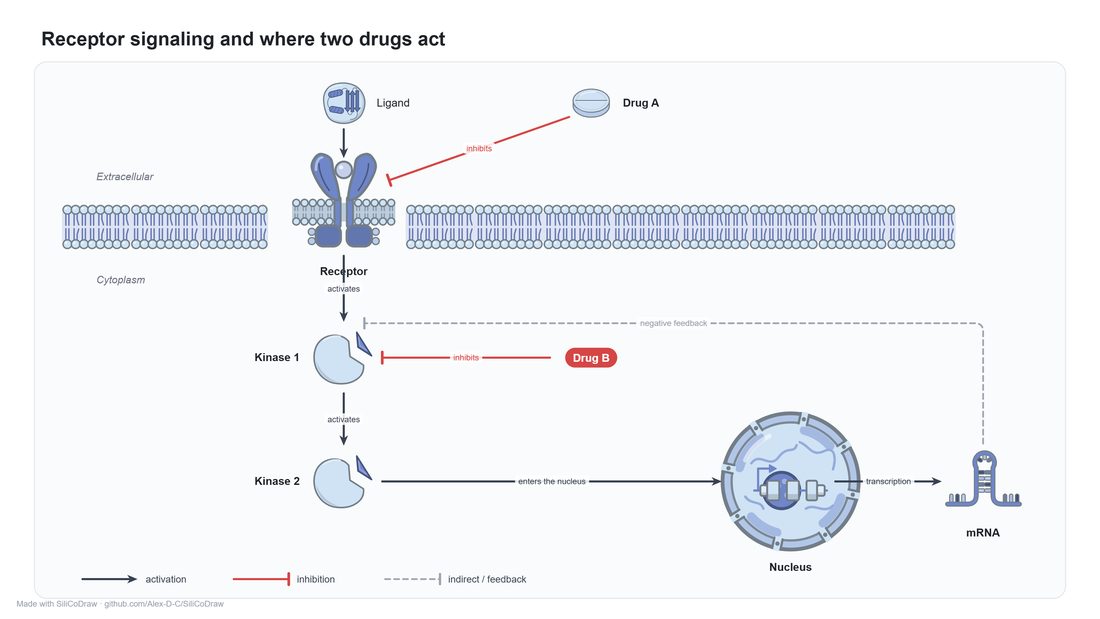
Pathway figures
Activation and inhibition arrows, dashed feedback, elbow connectors and labels on arrows.
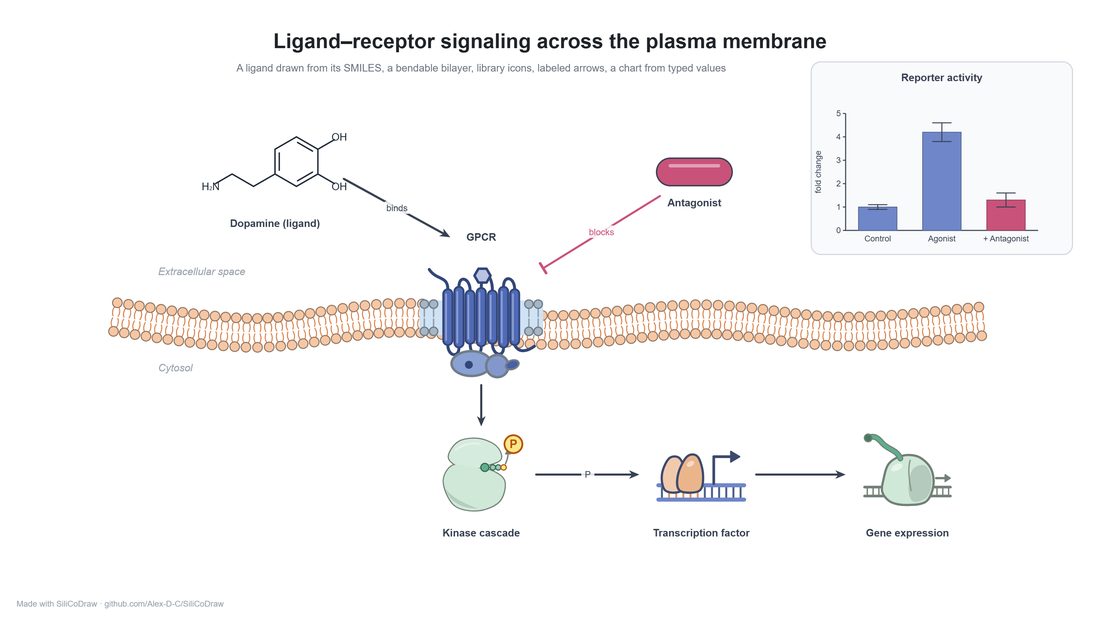
Signalling at a membrane
A ligand drawn from its SMILES and a lipid bilayer that bends and stretches as you drag it.
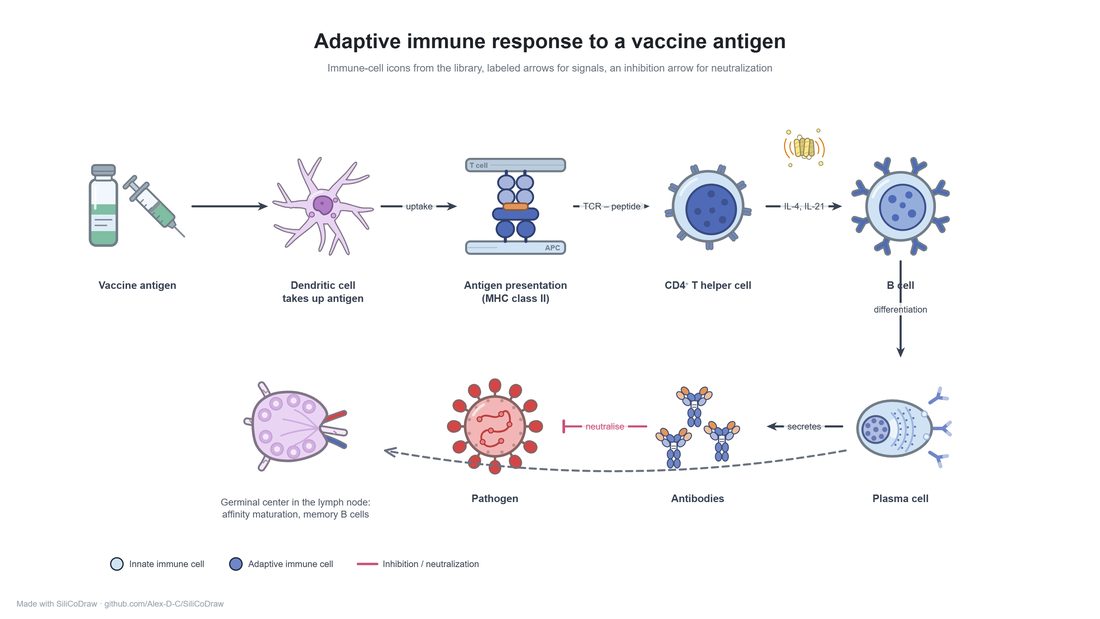
Immunology schematics
Immune-cell icons, antigen presentation, cytokine labels on arrows and a legend.
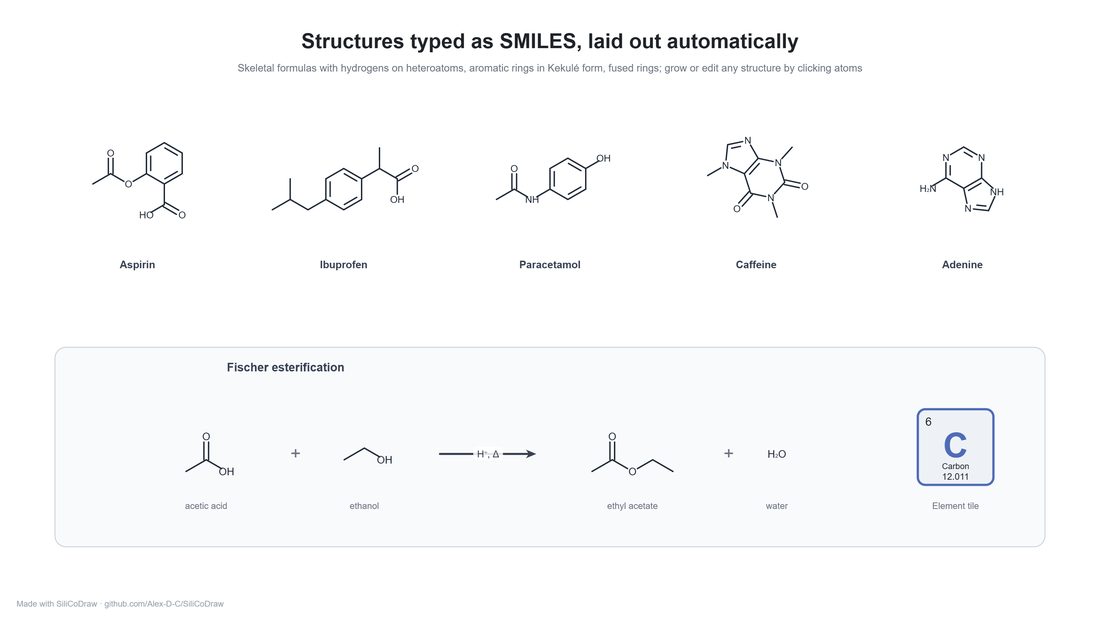
Chemistry
Structures typed as SMILES and laid out for you, plus a labelled reaction scheme.
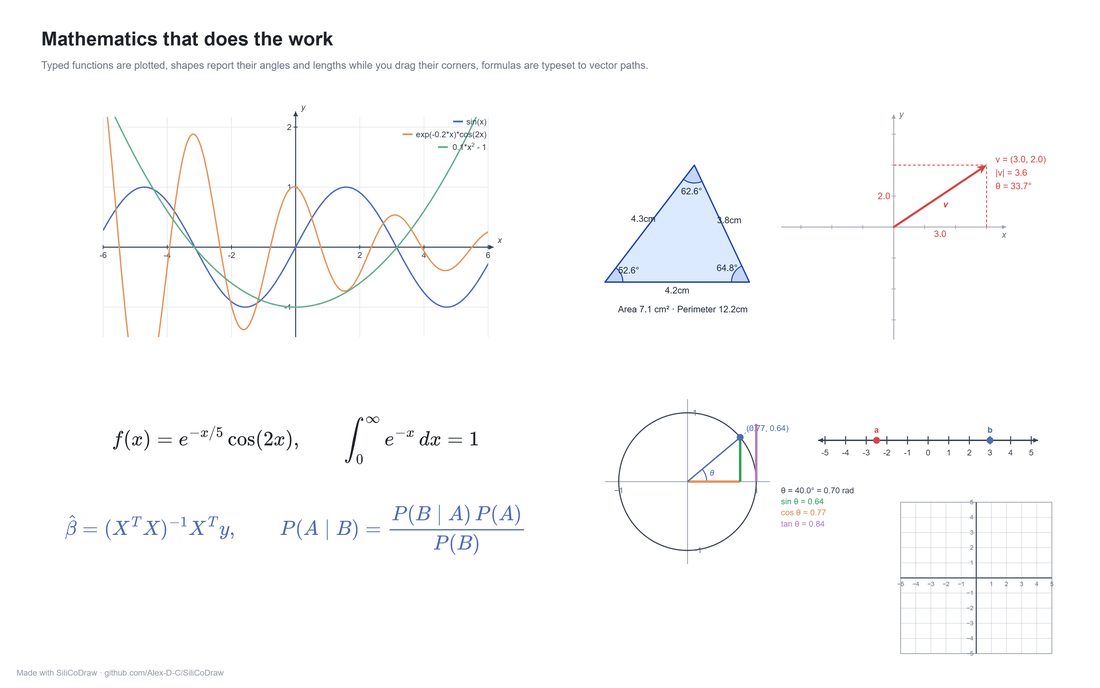
Working mathematics
Plotted functions, triangles with live angles and formulas typeset from LaTeX.
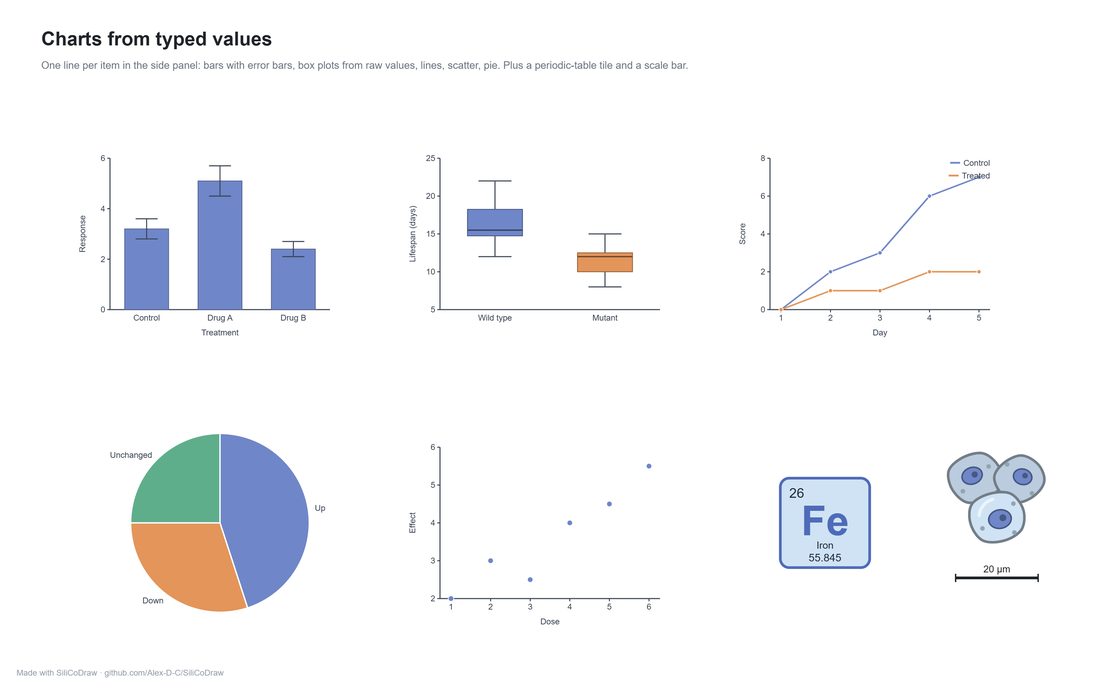
Charts from typed values
Bars with error bars, box plots from raw numbers, lines, scatter and pie charts.
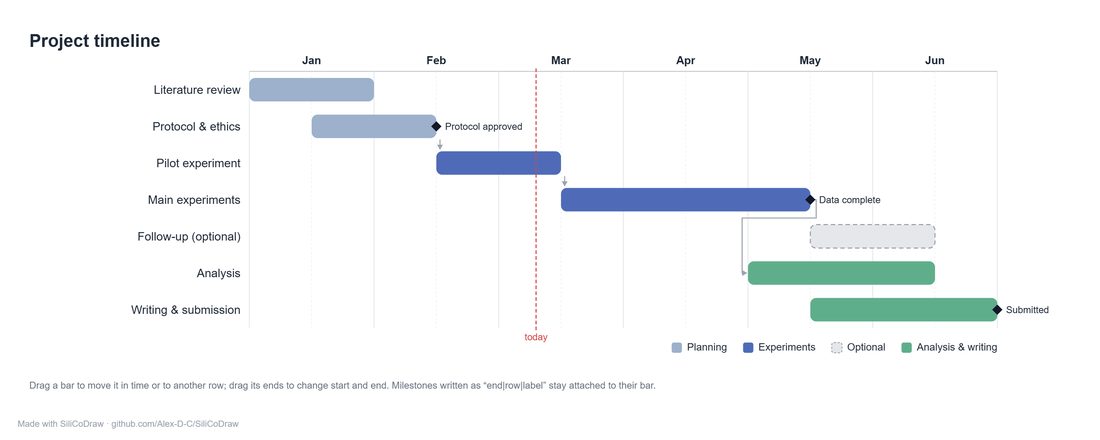
Gantt charts
Drag bars in time and across rows; milestones stay attached.
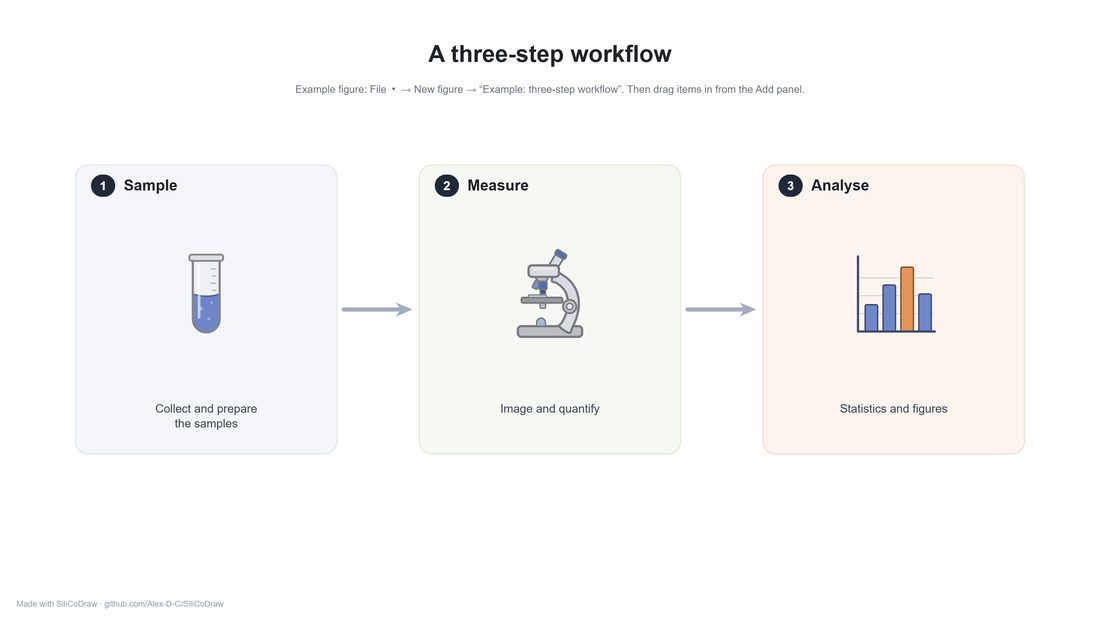
Workflow figures
Numbered panels, library icons and arrows, built in a few minutes.
Methods
Built for figures that have to be right
Elements that do work
Type a SMILES string and get a laid-out structure. Write LaTeX and get vector formulas. Type values and get bar, box, line, scatter or pie charts. Gantt charts, function plots, live geometry, bendable membranes.
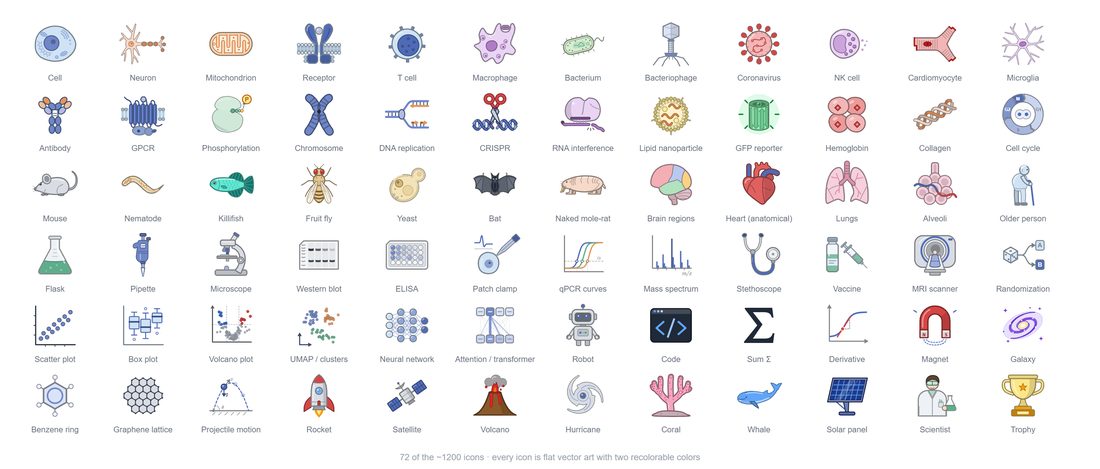
1,850 icons, all recolourable
Cells, organelles, proteins, lab equipment, assays, clinical, physics, ecology and more. Search by name, change the main and accent colour, or break an icon into editable parts.
Export for print and slides
PNG at any physical width and dpi, optionally transparent. Clean SVG. A PowerPoint slide where text, shapes and arrows stay editable, and Google Slides opens it too.
Your figures stay with you
Figures are kept in this browser, with automatic version history, archive and trash. Nothing is uploaded. Save any figure as a file to back it up or move it to another computer.
Supplementary
Drawing with an AI assistant?
The desktop version keeps every figure as a plain file in a folder, so an AI coding assistant can draw and revise it with you while you drag things around by hand. It is free too, and installs in about a minute on Mac, Windows or Linux.